
In today’s digital world, businesses and individuals need to make all the work connected together and easy to find. Microsoft 365 is the easiest and fastest tool that combines productivity apps, email, file storage, and collaboration tools in one place. Designed to be flexible and secure, Microsoft 365 allows you to work from anywhere, on any device, while always staying up to date with the latest features and protections. Whether for personal use or business growth, Microsoft 365 helps you stay productive and connected in a smarter way.
In this article as we believe in the importance of this tool we will delve deeper in what is microsoft 365, the most important tools and how to use
What is Microsoft 365?
Microsoft 365 is a subscription-based productivity suite from Microsoft that combines familiar Office applications like Word, Excel, and PowerPoint with powerful cloud services such as OneDrive, SharePoint, and Teams. Unlike the traditional one-time purchase of Microsoft Office, Microsoft 365 ensures users always have the latest updates, security patches, and new features. It is designed to support both individuals and organizations by enabling secure file storage, real-time collaboration, and seamless communication across devices. With Microsoft 365, you can work smarter, stay connected, and manage tasks more efficiently from anywhere.
Partner with Meta Techs as Your Premier Reseller Microsoft 365 Provider
What is Microsoft 365 tools?
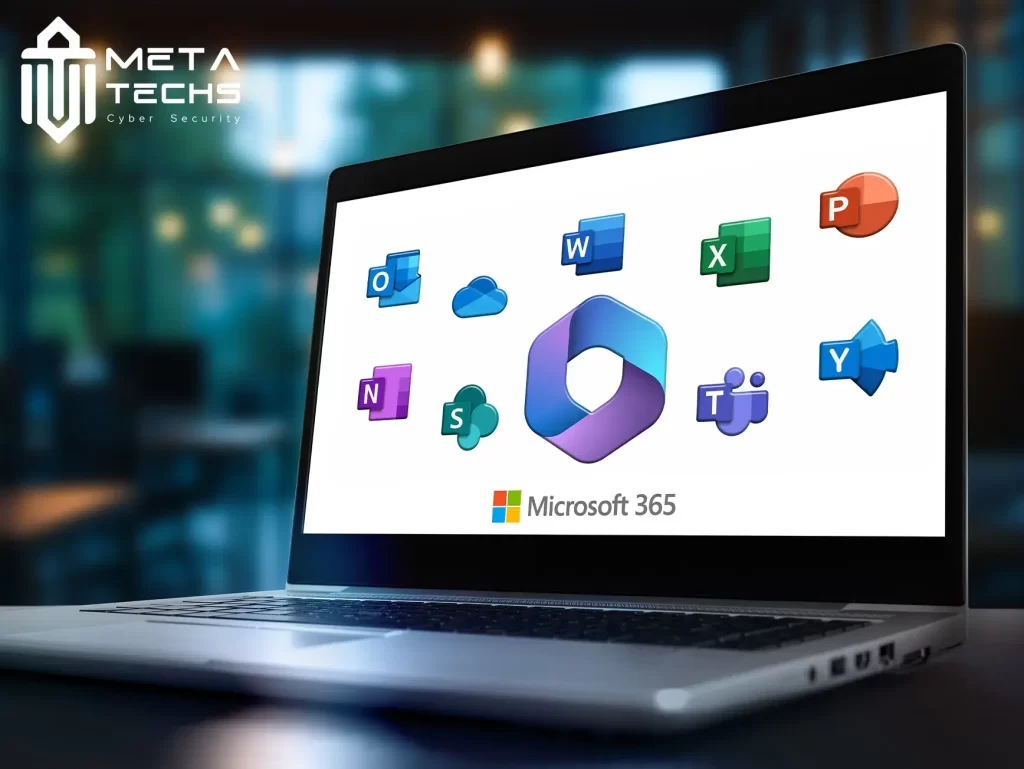
Microsoft 365 tools are the applications and services included in the Microsoft 365 suite that help individuals and businesses stay productive, organized, and connected in a modern digital environment. These tools are designed to work seamlessly together, providing an integrated platform for communication, collaboration, and data management.
- Word, Excel, and PowerPoint: Essential productivity apps for creating documents, analyzing data, and building professional presentations. With cloud integration, multiple users can collaborate in real-time.
- Outlook: A comprehensive email and calendar application that helps manage communication, schedule meetings, and organize daily activities.
- Microsoft Teams: A central hub for collaboration that supports instant messaging, video conferencing, file sharing, and third-party app integrations, making it ideal for remote and hybrid teams.
- OneDrive: Secure cloud storage for backing up, syncing, and sharing files across devices with advanced data protection and access controls.
- SharePoint: A powerful collaboration platform that allows organizations to build internal portals, manage workflows, and improve team productivity.
- Planner and To Do: Tools for task management and project tracking, enabling individuals and teams to stay on top of goals and deadlines.
- Power BI: A data visualization and analytics tool that transforms information into clear insights for smarter decision-making.
- Power Automate: A workflow automation service that reduces manual tasks by connecting apps and automating processes.
Together, these tools make Microsoft 365 more than just a set of apps; it’s a complete productivity ecosystem that supports business growth, collaboration, and digital transformation.
What is Microsoft 365 used for?
Microsoft 365 is used to improve productivity, collaboration, and security for both individuals and organizations. It brings together tools for creating documents, managing emails, storing files, and communicating in real time, all in one platform.
- For Businesses: It supports teamwork through Microsoft Teams, ensures secure file sharing with OneDrive and SharePoint, and provides advanced security to protect sensitive data.
- For Individuals: It helps with everyday tasks like writing documents, managing schedules, and storing files safely in the cloud.
- For Education: Teachers and students use Microsoft 365 for remote learning, collaboration, and sharing resources effectively.
In short, Microsoft 365 is used to work smarter, stay connected, and access files and tools from anywhere, on any device.
Click here to Check our Microsoft Partner
Who uses Microsoft 365?
Microsoft 365 is used by a wide range of users across different industries and sectors because of its flexibility and scalability.
- Businesses of all sizes: From small startups to large enterprises, companies use Microsoft 365 to improve communication, collaboration, and data security.
- Educational institutions: Schools, colleges, and universities rely on it for online learning, student collaboration, and teacher-student communication.
- Government organizations: Public sector bodies use it to streamline operations, ensure secure data management, and improve service delivery.
- Nonprofits: Charitable and nonprofit organizations use Microsoft 365 to manage projects, collaborate remotely, and optimize limited resources.
- Individuals and families: Many people use it for personal productivity, secure file storage, and family communication.
Because it’s cloud-based and accessible from anywhere, Microsoft 365 serves a global audience across different needs and industries.
FAQs
What is Microsoft 365 used for?
It’s used for productivity, collaboration, communication, and secure cloud storage across businesses, schools, and personal use.
What is the difference between Microsoft Office and 365?
Microsoft Office is a one-time purchase, while Microsoft 365 is a subscription that includes Office apps plus cloud services and regular updates.
Do I need Microsoft 365 to use Word?
No, you can buy Word as part of Office, but Microsoft 365 gives you Word with added features, cloud access, and updates.
Related posts:
 Website hack repair service with meta techs
 Fawry comments on cyber attacks and data leaking
 Effective Policy for data retention policy best practices
 the Latest fortinet vulnerability 2024
 What Is ISO 27001?, Core Principles, Benefits, and Requirements
 Cylance Protect Antivirus for Your Digital Assets